Die Lieferung von Bestellungen nach Italien erfolgt je nach Bestimmungsort normalerweise innerhalb von 3 tage.
Kostenlose Lieferung nach Italien für Bestellungen im Wert von 50 EUR oder mehr. Für Bestellungen im Wert von unter 50 EUR werden Versandkosten in Höhe von 18 EUR berechnet.
UPS oder FedEx Freight, vorausbezahlt: DDP (Zoll und Steuern werden von DigiKey bezahlt)
DHL Freight, vorausbezahlt: CPT (Zoll, Einfuhrgebühren und Umsatzsteuer werden bei Lieferung fällig)
Rechnungskonto für qualifizierte Institutionen und Unternehmen
Vorauszahlung per Banküberweisung
![]()
![]()
![]()
![]()


Weitere Produkte von vollständig autorisierten Partnern
Die durchschnittliche Dauer bis zum Versand beträgt 1-3 Tage; es können zusätzliche Versandgebühren anfallen. Die tatsächliche Lieferzeit entnehmen Sie bitte der Produktseite, dem Warenkorb und der Kasse.
Incoterms: CPT (Zoll und anwendbare Mehrwertsteuer/Steuer fällig zum Zeitpunkt der Lieferung)
Weitere Informationen erhalten Sie über Hilfe und Kundendienst
Learn to interface the Raspberry Pi Pico RTC DS3231 using Arduino IDE. Build an accurate digital clock with a 16x2 I²C LCD. Includes circuit diagram, code & troubleshooting.
In this guide we are going to look at how you can use the package manager in Thonny to download the libraries for Kitronik products directly onto your Raspberry Pi Pico.
In this tutorial we’ll demonstrate how a Raspberry Pi Pico can be used along with some simple electronic components and Python code to record the voltage of a AA battery.
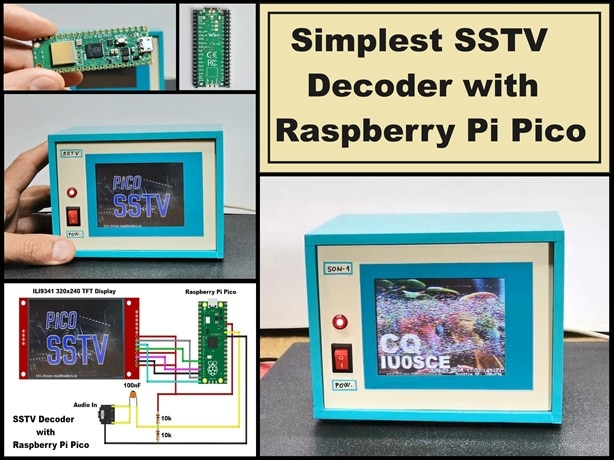
Raspberry Pi Pico can independently transform SSTV audio signals into viewable images.
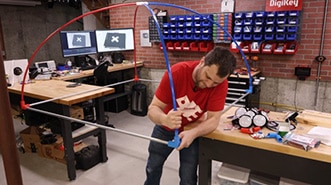
Part 2 of Pixel Ball: See how I turned conduit, PEX tubing, and arcade buttons into a massive, glowing game frame.
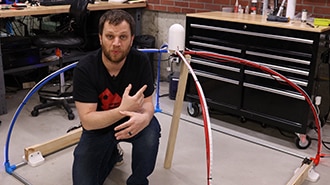
For my 100th video, my team sent me mystery parts—no plan, just chaos and LEDs. Here’s how I tried to turn it into a working game.
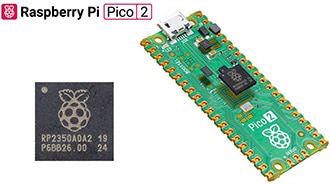
Discover the enhanced performance and features of the new Pico 2 and compare Pico 2’s RP2350 microcontroller to the original RP2040.
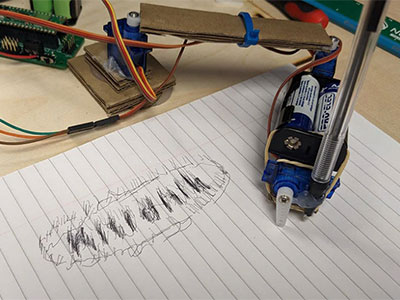
In this first blog of a series we are going to cover how we can create a drawing robot arm out of cardboard using three servos, a Raspberry Pi Pico and the Kitronik Simply Servos for Pico board. Then we’ll move onto how to use the DrawingRobot Python library we created for the Pico.
Build carbon dioxide sensing devices using our SCD41 CO2 sensor breakout and MicroPython.
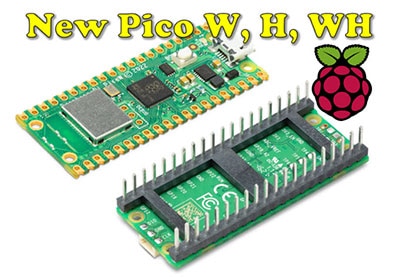
Following on the popularity of the Pico and RP2040, Raspberry Pi has announced three new Pico boards, two of which have onboard wireless LAN and Bluetooth.
Co-Browse
Wenn Sie die Co-Browse-Funktion verwenden, erklären Sie sich damit einverstanden, dass ein Kundendienstmitarbeiter von DigiKey Ihren Browser aus der Ferne betrachten kann. Wenn das Co-Browse-Fenster geöffnet wird, geben Sie bitte die Sitzungs-ID, die Sie in der Symbolleiste finden, an den Kundendienstmitarbeiter weiter.
DigiKey misst dem Schutz Ihrer Privatsphäre große Bedeutung bei. Weitere Informationen finden Sie in unserer Datenschutzerklärung und unserem Cookie-Hinweis.
Ja, weiter zu Co-BrowseVielen Dank!
Behalten Sie Ihren Posteingang im Auge, um Neuigkeiten und Updates von DigiKey nicht zu verpassen.
Bitte geben Sie eine E-mail-Adresse ein
Bitte akzeptieren Sie den Erhalt von Marketing-Informationen per E-Mail